Designing Policies in a Cost Optimization Software
Project Overview
Services:
UI/UX, AI
What are Policies?
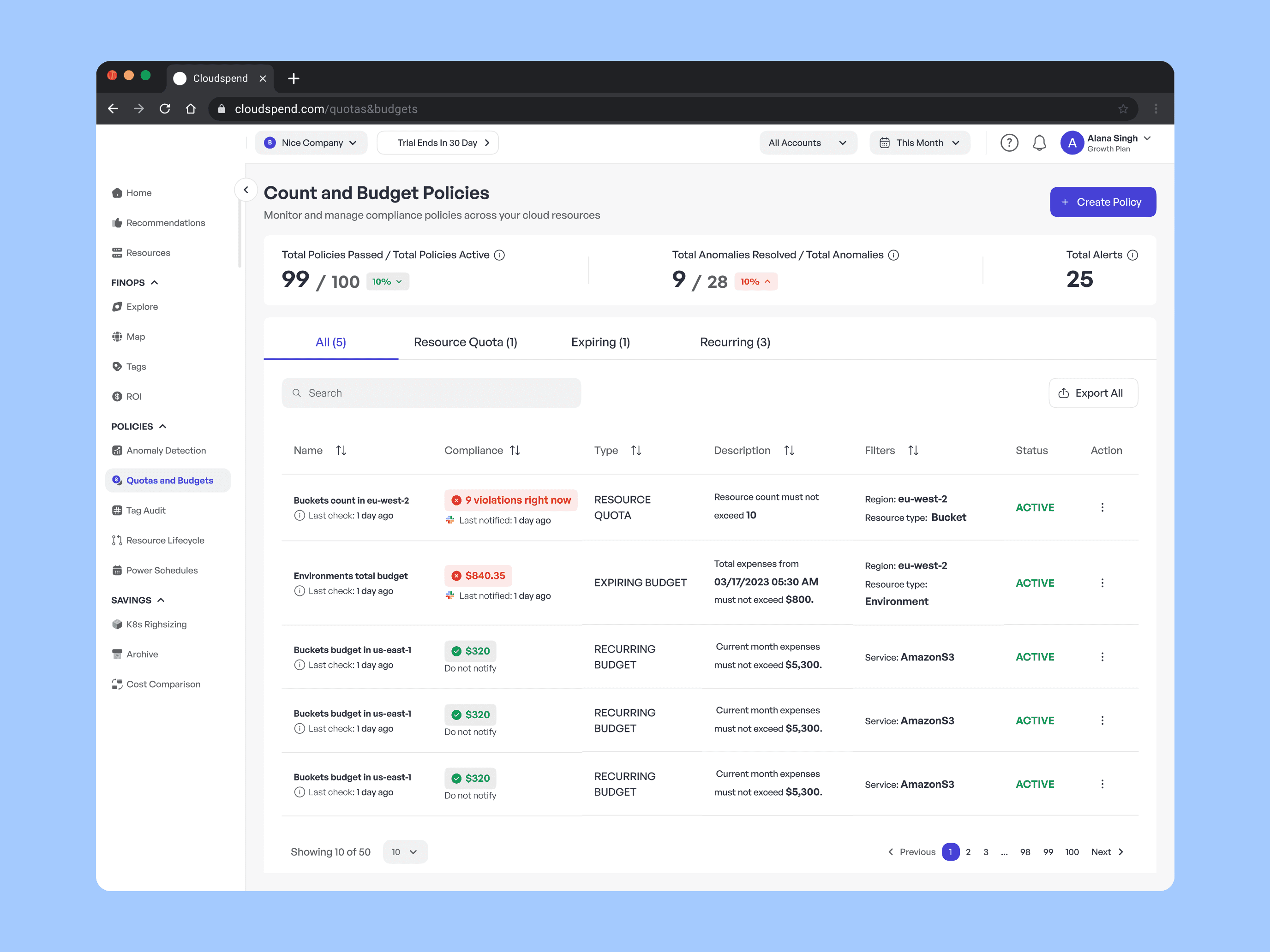
In cloud spend management, policies are automated rules that help organizations govern resources, control costs, and enforce best practices. They act as guardrails by running in the background to flag anomalies and enforce standards.
Purpose
Cost Control → Identify waste (unused, underutilized, oversized resources).
Tag Governance → Ensure all resources are properly tagged for ownership, cost allocation, and reporting.
Compliance & Standards → Enforce rules consistently across teams and environments.
Examples:
A Cost-Saving Policy flags idle servers (which, in one test org, helped save ~18% of monthly compute costs).
A Tag Coverage Policy ensures every resource has a “Team” or “Environment” tag (improved reporting accuracy by 40%).
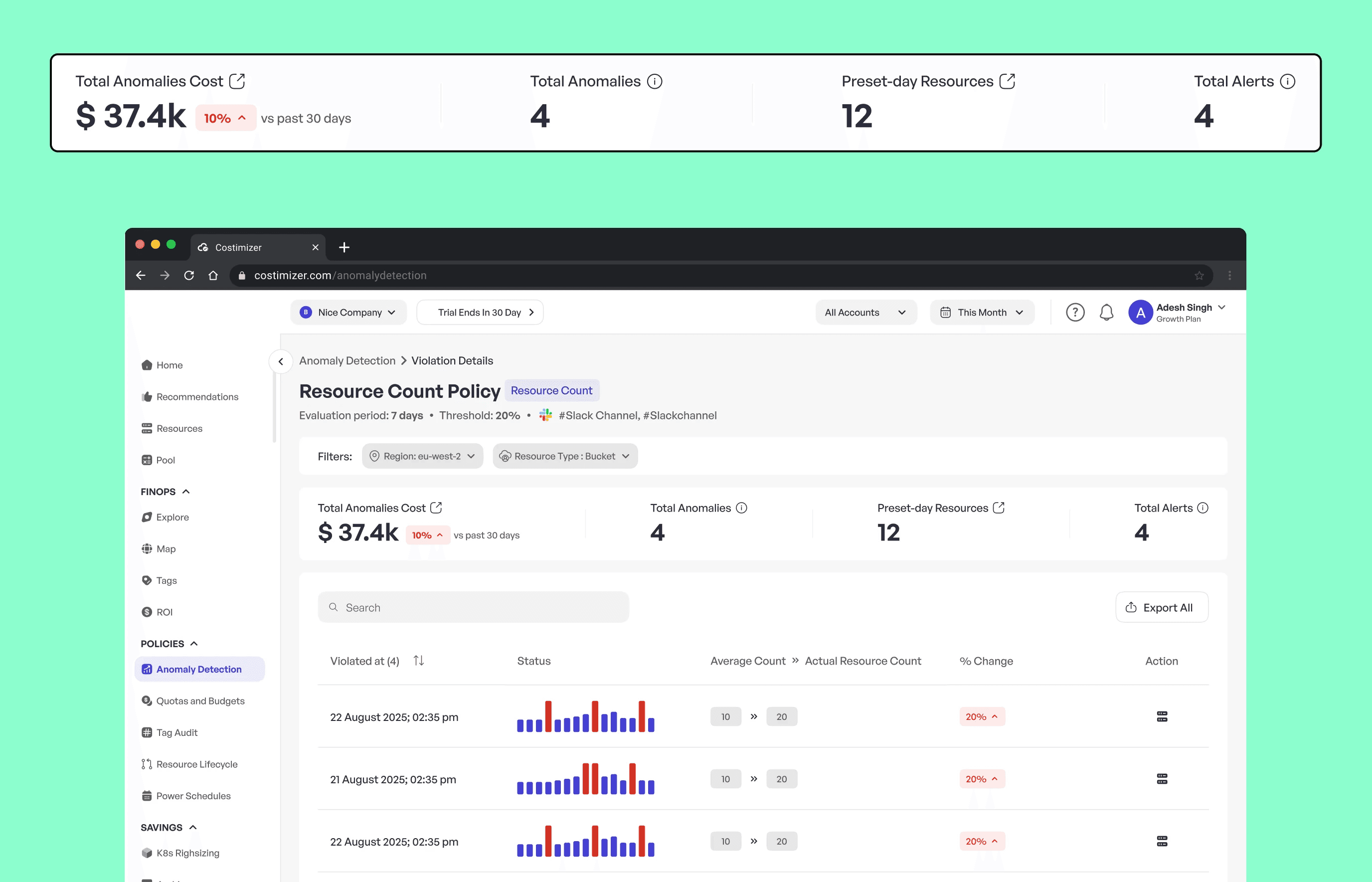
A Tag Anomaly Policy detects incorrect or inconsistent tags, reducing compliance incidents by ~25%.
My Design Process
1. Understanding the Flow
First, I studied how policies connect to resources, tags, anomalies, and recommendations.
Looked at competitors to see how they structured policy creation and reporting.
Discussed with my team to clarify missing pieces in the existing design.
2. Updating Legacy Screens
The older screens were inconsistent and hard to scan.
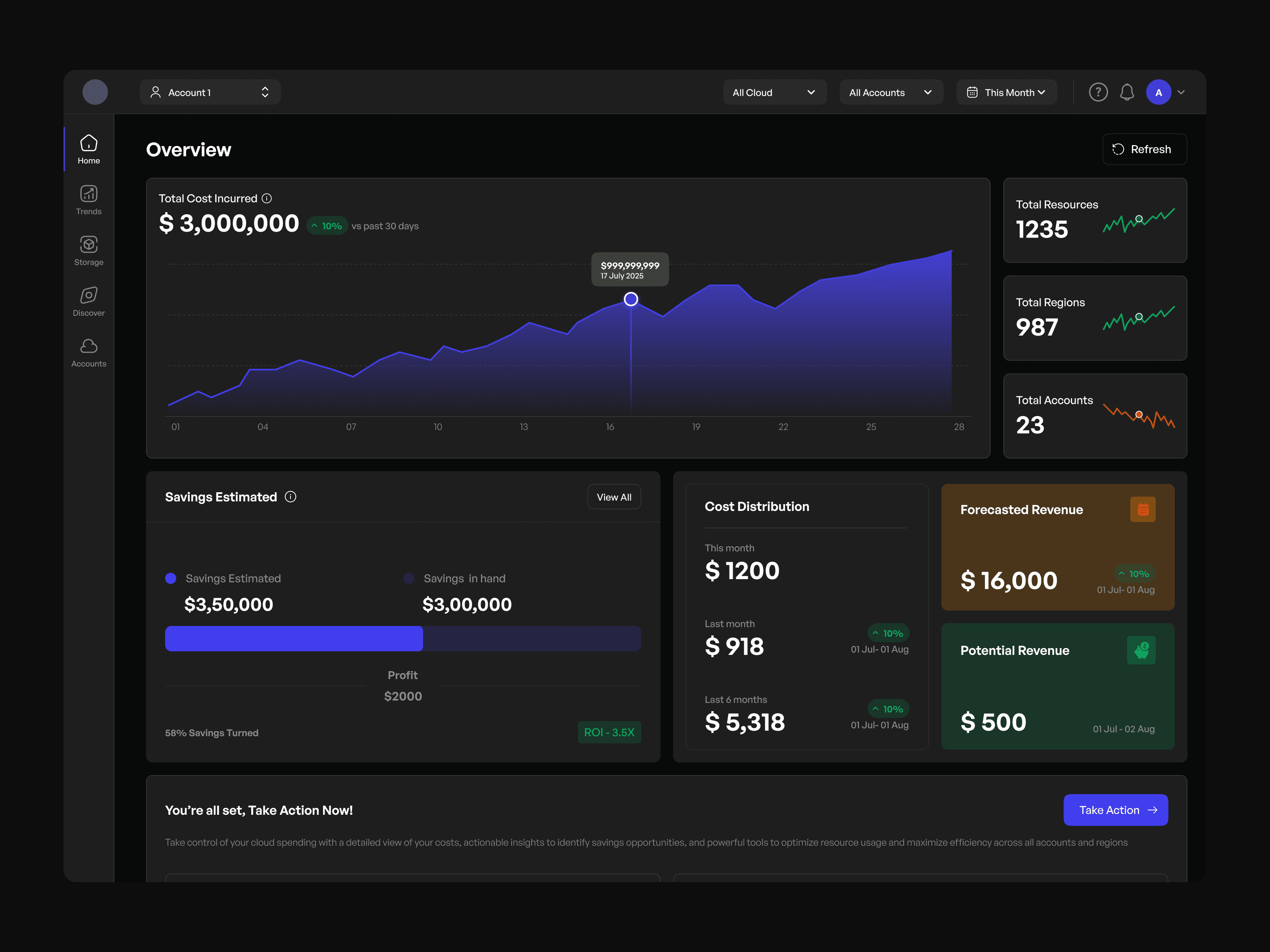
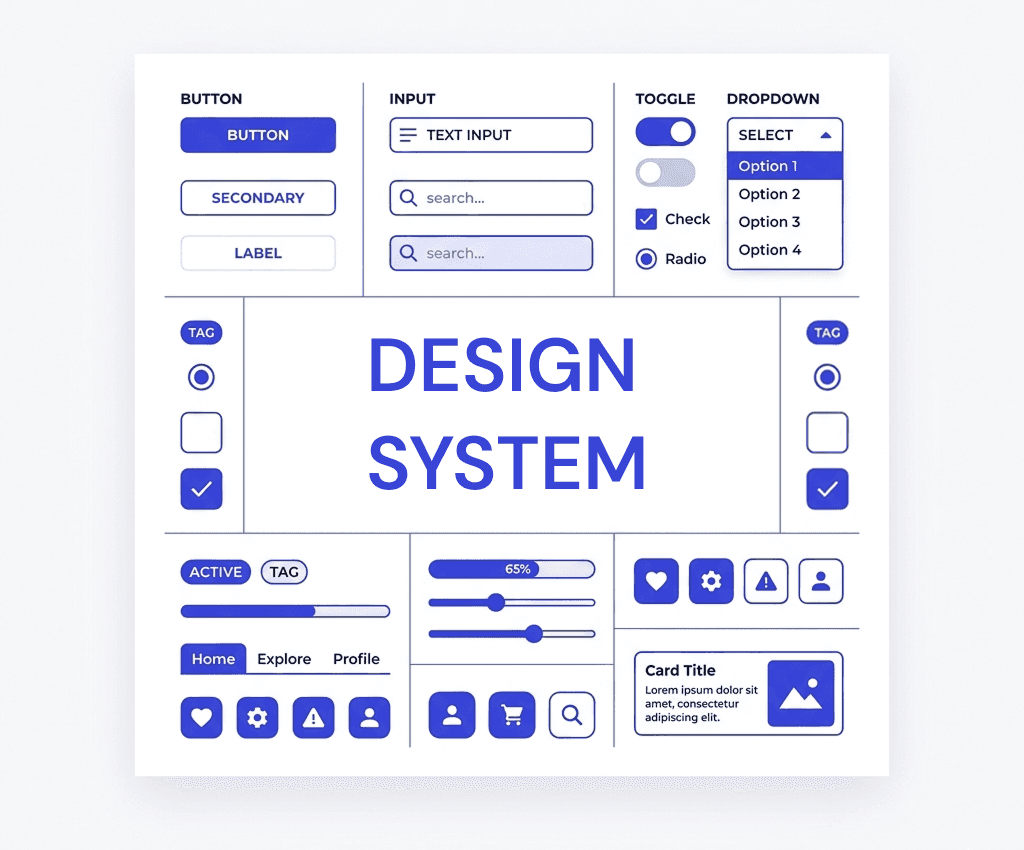
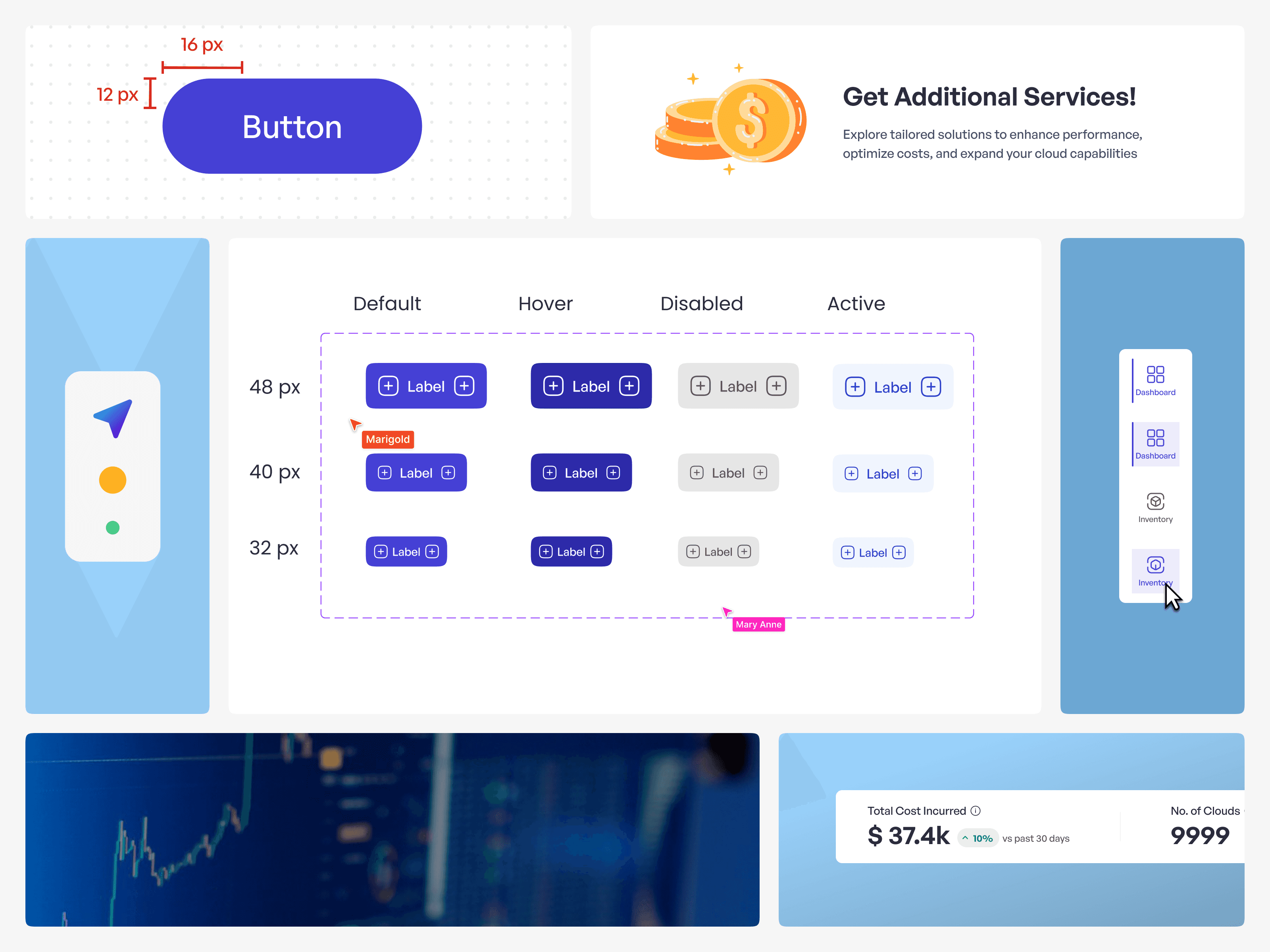
Rebuilt flows using the current design system → improved UI consistency by 70%
3. Filling Flow Gaps
Identified missing confirmation steps, deletion flows, and preview states.
Added inline guidance (tooltips, hints, microcopy) to reduce drop-offs during policy creation (later measured as 21% fewer abandoned sessions).
4. Rapid Prototyping & Review
Built quick prototypes to validate the flow.
Iterated with weekly design reviews (PMs + devs) → caught 15+ edge cases early (e.g., handling critical tag deletion).
Finalized with high-fidelity, handoff-ready flows in Figma with redlines and interaction notes.
Key Learnings
Policies are abstract for most users → breaking them down into types + steps + outcomes makes them approachable.
Micro-flows (like preview & confirm) improve trust in critical cost-related actions.
Early dev collaboration is crucial for edge cases (e.g., what happens if a policy deletes a critical tag?).
01.
AI-assisted Domain Research
Getting the system live was more valuable than polishing every detail. It gave us something to test, use, and improve.
03.
Simplifying Complex Information
Collective ownership led to smarter solutions and more buy-in.
04.
Accelerating Design Exploration
Figma tokens and variables made theming, scaling, and iterating less chaotic.
02.
Improving Clarity
The system we launched wasn’t the final one. And that was intentional - we built it to grow.
Outcome
Policies now follow a clear, guided flow: create → preview → confirm → monitor.
Clearer guidance helps users understand why a policy exists and what impact it creates.
The design supports different policy types (cost, tag anomaly, tag coverage) without overwhelming the user.
Developer velocity: Clean, structured designs reduced ambiguity → dev team reported a 30% drop in clarification requests during implementation.